Is there anyway I can connect both a Switch 2 controller and and XAC to the remapper over bluetooth? I swear I got the regular controllers to connect at one point but I can’t get the pro controller or the regular controllers to connect to it. I am able to use the Magic-S and the remapper to work at the same time so it works, But I would love to just use the remapper bluetooth. My son uses the XAC for buttons and I use a controller to move the character around. If it is possible it would be pretty awesome. Thanks for any help
The Bluetooth version of HID Remapper only works with Bluetooth LE devices (if you don’t count the experimental Pico W version) so it won’t work with the Switch 2 Pro Controller as it uses Bluetooth Classic (as far as I know).
The new Joy-Con 2 now work over Bluetooth Low Energy, so it should be feasible—but they will require a bit of adaptation, since they don’t function out of the box like a classic gamepad, especially if you want to pair two Joy-Cons as a single controller.
I was tinkering with this a few weeks ago to get it working with HID Remapper but didn’t finish. I’ll take another look at it at the end of the month.
In the same time if you want to have a look on how it works, here’s a project that has been able to work with Joycon 2 GitHub - TheFrano/joycon2cpp: repo for the joycon2cpp syncer script
Oh, interesting. I assumed Switch 2 controllers used Bluetooth Classic. So the Pro 2 controller uses Bluetooth LE too?
I haven’t tried it myself yet, but yes—the Pro 2 controller uses it too.
From what I understand, the new back buttons can only be programmed and used on Switch 2; nothing is stored on the gamepad itself. (I’ve only tested the HORIPAD Switch 2 Pro controller and read extensively on Reddit.)
FYI, I’ve added the new HORIPAD Switch 2 Pro Controller descriptor to HID Remapper in this PR:
It mainly adds the Chat button to HID Remapper’s Switch output—some people I help play needed it to chat with friends in Mario Kart World.
Oh, so they don’t do standard HID (the Switch 2 controllers I mean). That’s disappointing.
Is there a way I can grab the descriptor from my pro controller? It is able to connect it to nRF Connect. I am not familiar with bluetooth but I am an iPhone developer so I know how to program. I was thinking maybe I could grab the descriptor and copy what you did in your Horipad PR. This is what I see in nRF Connect…is that the descriptor where it lists nintendo?
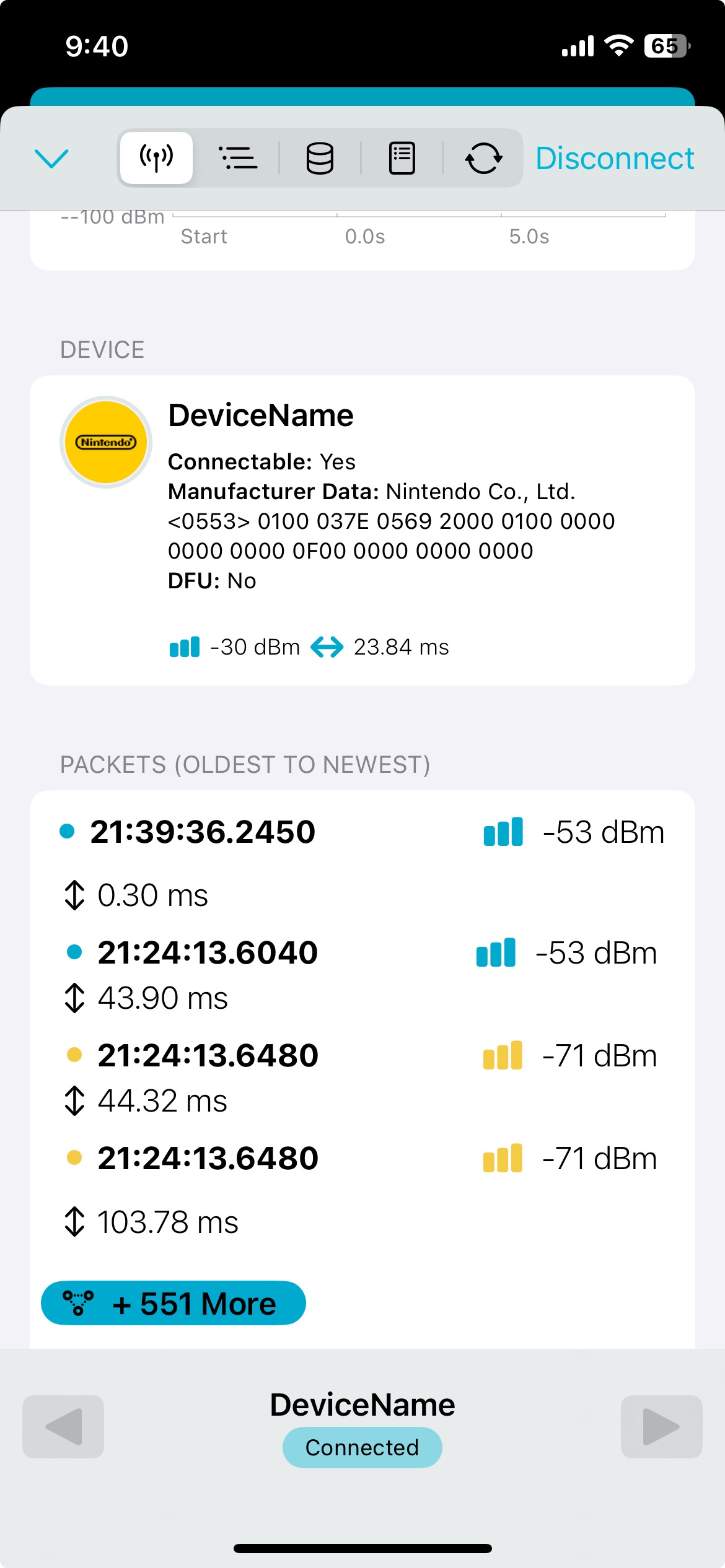
No sadly, they have their own proprietary protocol with custom services and notifications.
All button, stick, and IMU data is sent in a single packed input report with non-byte-aligned fields (e.g. 12-bit stick values).
You need to activate imu data with a special command.
Here my wip, don’t work yet.